Your Business Card QR Code Works. Does the Page Work Too?
Scan your business card and put yourself in the visitor’s place. You have just met the owner, you are holding a phone, and you want to do one useful thing. Perhaps you want to view a project, request a quote, or book a conversation. Does the page make that next step obvious?
A successful scan is only the beginning of this check. Review the page, the action it offers, and what happens afterward. You can run the following audit with a phone, your card, and a short set of notes.
Begin with the promise on the card
Write down what a person expects after scanning. Use the words beside the code as your starting point. “See recent projects” creates a different expectation from “Book an introduction.”
Open the destination without signing in to your business’s website first. Check whether the page immediately identifies the business and delivers what the card promised. If visitors must search through menus to find it, consider a more direct destination. Keep a recognizable business name on the page so people can connect it with the card in their hand.
Check the first screen on a real phone
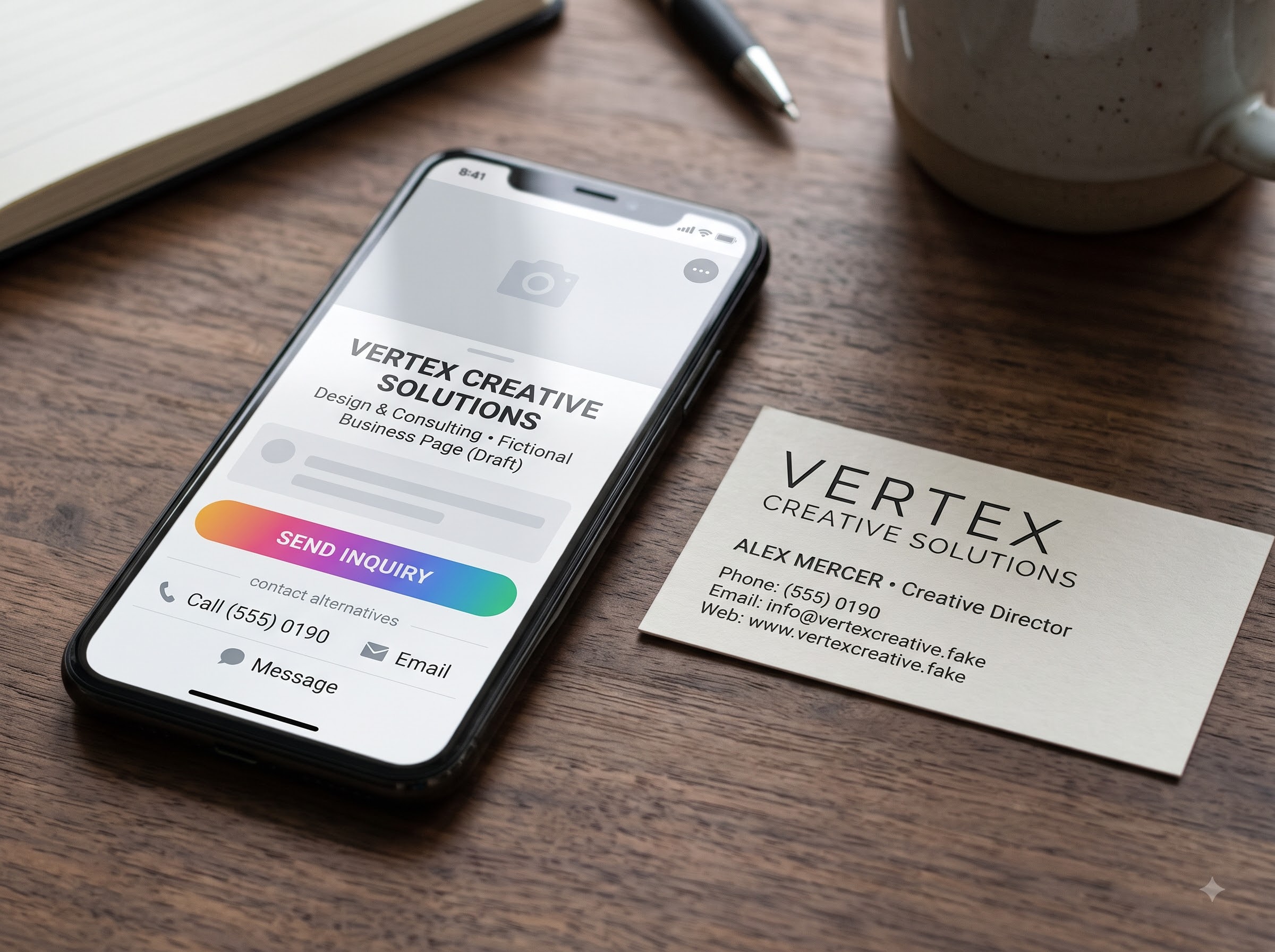
Test in the mobile browser your phone opens from the scan. Look at the page before scrolling. Can you understand its purpose? Is the primary button readable and easy to tap? Does a banner or pop-up cover the information you came for?
Try the page over a cellular connection as well as Wi-Fi when practical. Watch for images that stay blank or content that moves while you are trying to tap. Ask another person to open it on a different phone if possible. Record the device, the problem, and the step where it occurred so whoever maintains the site can reproduce it.
Choose one useful next step
A visitor may not be ready to buy after a brief introduction. Match the page to a reasonable next action. A photographer might show a relevant portfolio and offer an inquiry form. A consultant might explain the service and offer a short introductory conversation.
Give that action a specific label. “Request a quote” tells people more than “Click here.” Keep an alternative contact method visible for someone who cannot or does not want to use the main option. For example, an email address can provide a route when a booking tool is unavailable.
Complete the action yourself
Follow the page all the way through its main task. If it has a form, check every field on your phone. Are the labels clear? Can you correct a mistake? Does the submit button work without requiring a login you did not expect?
Use clearly labeled test information and avoid making a real purchase or reserving a live appointment unnecessarily. Then check both ends of the interaction. Did the visitor receive a useful confirmation, and did the request reach the right person? If the page promises a response within a certain time, confirm that your team can support that promise before leaving it in the copy.
Look for avoidable barriers
Read the page without zooming in. Check whether buttons and links are distinguishable and whether important information is available as text rather than only inside an image. If a video explains the service, include captions and a written summary so the message is available without sound.
Review the information you ask visitors to provide. For an initial inquiry, consider which fields are genuinely needed to respond. Avoid requesting sensitive information through a general contact form. Explain what will happen after submission in plain language, and ask the appropriate specialist to review privacy or accessibility requirements that apply to your business.
Assign someone to keep the destination useful
Record the destination URL, the person who maintains it, and the person who can access the QR management account if there is one. Check any service renewal or account dependency that could affect the link. A card may remain in someone’s wallet after a campaign or staff assignment changes.
Repeat the scan after a website redesign, a booking-tool change, or an update to the page. Add a simple recurring check that suits how often your content changes. Keep notes on what you tested and whether the problem was resolved.
Your audit is finished when a visitor can recognize the business, find the promised content, and complete the intended action. Fix a broken route before adding more content to the page.
For more practical business card and small business guides, visit blog.businesscardjunction.com.